
The first minutes of Planet Clicker establish habits that affect the whole run. The game is forgiving. There is no purchase that permanently ruins progress, but a clear opening route makes milestones arrive faster. Your goal is not to click as quickly as possible forever. It is to convert active picking into automatic production, claim rewards as they appear, and follow the visible requirements for the Moon.
Understand The Planet Clicker Opening Screen
The central Planet Clicker Earth is your primary control. Picking it produces one Energy before bonuses. The HUD reports current Energy, Energy per pick, Energy per second, and Stardust. Upgrades sit on the left of wider screens, generators on the right, and mobile players can reach both through the bottom navigation. Every purchase button contains its current batch cost. When it is dimmed, you cannot afford that purchase yet.
Planet Clicker planet level is separate from Energy. Each pick adds level experience, and longer combos add a little more. Earth level matters because future planets require it. The bar above Earth shows the current progress, so you never need to calculate it yourself.
Spend The First Energy Well
Start Planet Clicker with fifteen deliberate picks and purchase Stronger Touch. Your base output immediately doubles from one to two Energy per pick. Continue until you can buy a Solar Panel for passive production. These two purchases demonstrate the central choice: direct upgrades improve your focused input, while generators produce in every second of the session.
In Planet Clicker, buy another inexpensive Stronger Touch level, then add Solar Panels whenever their cost is close to the next pick upgrade. Do not save for Power Gloves too early. A shiny new tier can feel attractive, but several cheaper levels and generators often create more immediate output. Once passive production supplies a steady background flow, Power Gloves becomes easier to justify.
Use Combos Without Burning Out
Rapid Planet Clicker picks build a combo. Every five steps adds a small multiplier, and critical hits can multiply the already improved result. Use a combo when you are close to a purchase or Earth level. You do not need to preserve it while reading a card or opening a mission panel. The meter fades after a pause and can be rebuilt without penalty.
That rhythm matters for comfort. Planet Clicker is designed as both an active and idle space game. Short focused bursts are efficient, but automation prevents the experience from becoming repetitive. If your hand feels tired, stop. Your generators continue working, and keyboard users can alternate Space with pointer input.
Claim The First Missions
Open the Planet Clicker Missions panel after roughly fifty picks. “Warm Up The World” provides an early Energy reward, and generator objectives soon follow. Completed missions are highlighted but are not claimed automatically. Select Claim Reward to add the listed Energy, Stardust, or chest.
Planet Clicker achievements work differently. They activate automatically and immediately deliver their reward. First Pick appears at the beginning, while later achievements recognize larger totals. Check the Rewards panel when a notification mentions a chest. Common chests provide a useful Energy cache; higher tiers can also add Stardust.
Prepare To Unlock The Moon
The Planet Clicker Moon requires Energy, Earth level, and a minimum generator total. Open Planets to see the exact live checklist. Work on whichever unfinished requirement is closest. If Earth level lags, pick actively and maintain combos. If generators lag, invest in inexpensive Solar Panels rather than one expensive building. If only Energy remains, allow production to accumulate instead of spending automatically.
Planet Clicker unlock costs are spent when you confirm the planet. Keep that in mind if you are also considering a major upgrade. Once unlocked, the Moon adds a cumulative bonus to offline production. Visit it through the planet card or the moving Solar System display. Your Earth progress remains intact, and you can switch back at any time.
Handle Your First Asteroid
A Planet Clicker asteroid event appears after the early picking phase. A timer, health bar, and target replace ambiguity with a clear task. Hit the rock until health reaches zero. Asteroid damage scales with pick power, and the Energy reward scales with your economy. If it escapes, nothing is lost except that opportunity.
Planet Clicker golden asteroids are uncommon. They look different, award ten times the usual Energy, and add Stardust. When one appears, stop shopping and focus on the event. Later ships, Saturn’s bonus, and Stardust skills can improve asteroid rewards.
Use Settings And Saves Early
Open Planet Clicker Settings to tailor feedback. Sound and music begin conservatively and never require autoplay. Particles, reactions, and motion can be adjusted independently. Reduced Motion disables continuous decorative movement, and controls remain readable without effects.
Planet Clicker autosave stores the game in the current browser. It is helpful but not an account shared across devices. Use Export Save after your first planet unlock or any milestone you would dislike repeating. Keep the text code somewhere you control. The import tool validates its format before replacing current state, and the reset tool requires a typed confirmation.
Plan Beyond The Moon
Planet Clicker Mars introduces the next meaningful jump. It requires more Energy, a higher Earth level, generators, and claimed missions. Mars also adds a pick power bonus, which makes it attractive to active players. From there, planets begin specializing in criticals, discounts, production, asteroids, and late game resources.
Your first Planet Clicker Galaxy Reset becomes available after enough lifetime Energy. Do not rush it the instant the button activates. Look at the projected Stardust reward and the cost of the skill you want. A reset keeps permanent resources and statistics but restarts temporary progress. The rebuild should be noticeably faster.
Conclusion
A successful first run is built from simple decisions repeated at the right time. Pick Earth, improve active power, establish automatic Energy, complete nearby missions, and save toward the next planet only after your current economy is stable. You now have enough context to make steady progress without wasting early resources. For more detail, read how to play Planet Clicker, compare the best upgrades and generators, or review the complete planet unlock route. Then return to Planet Clicker and put the opening plan into practice.
The best Planet Clicker opening is calm and deliberate. Establish pick power, add automatic production, follow the Moon checklist, and claim rewards as they become useful. That simple rhythm creates a stable foundation for every later planet and Galaxy Reset.
Related Guides
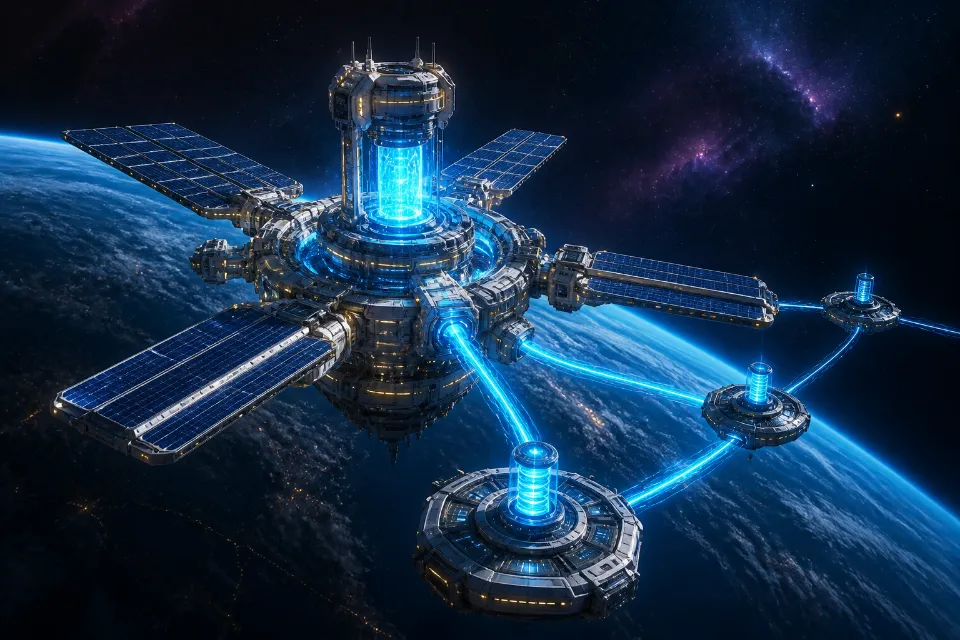
Best Planet Clicker Upgrades
Compare active and passive value.
Read Guide →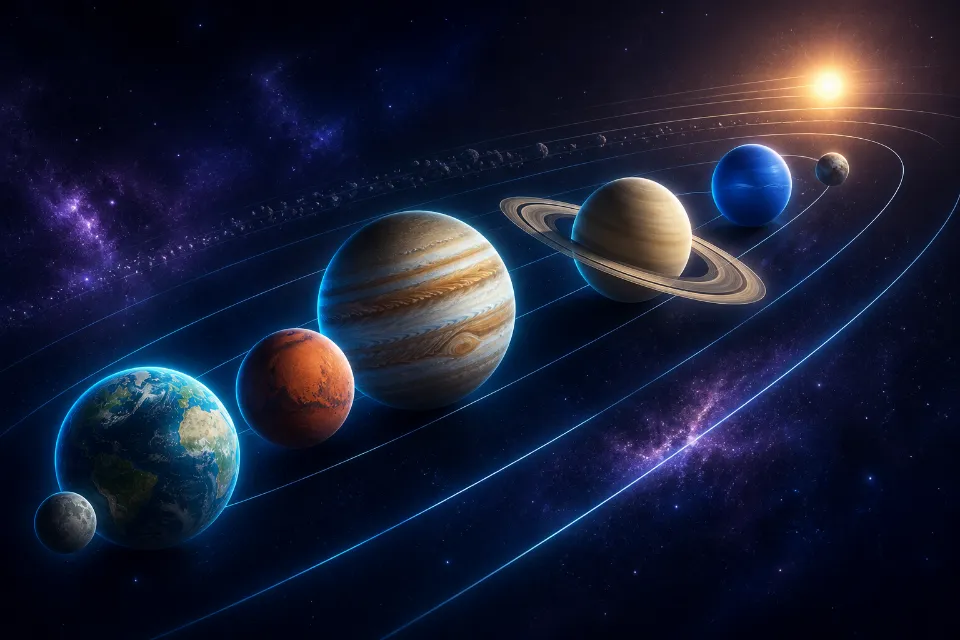
Planet Unlock Guide
Plan the full Solar System route.
Read Guide →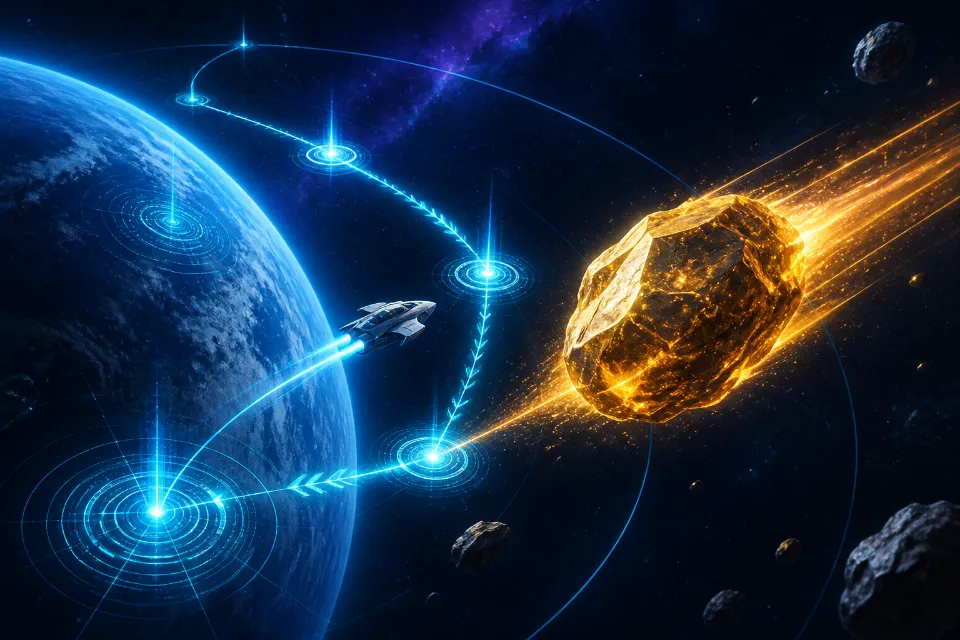
Tips And Strategies
Improve milestone planning.
Read Guide →