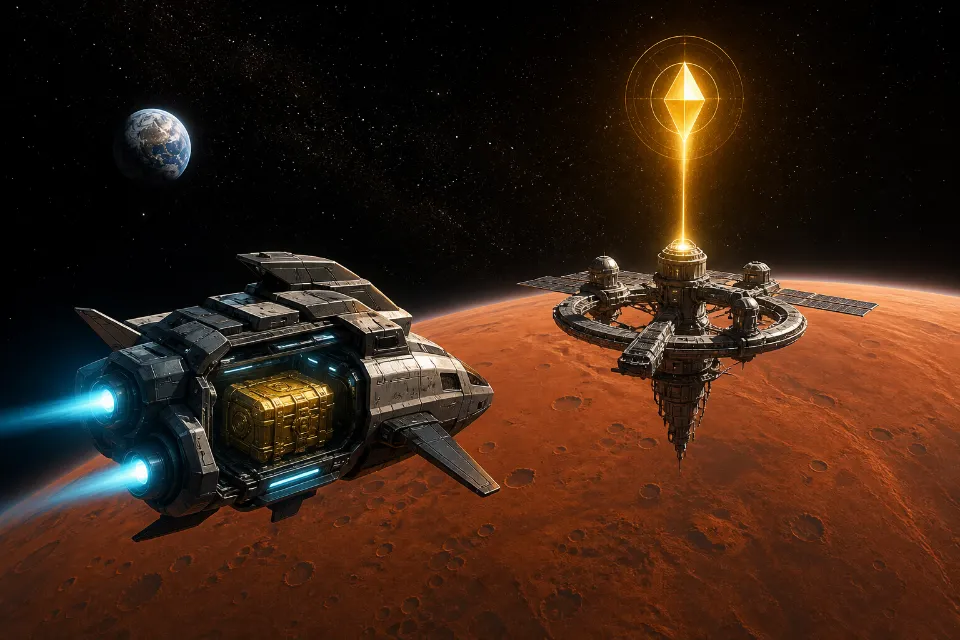
Objectives make progression easier to read. Planet Clicker separates missions from achievements so each system has a distinct purpose. Missions are short tasks with rewards that you claim manually. Achievements are permanent milestones that activate automatically. Together, they supply extra resources and show which parts of the game deserve attention next.
Understand Mission Cards
Every Planet Clicker mission card shows a category, objective, live progress bar, target, and reward. Categories include clicking, buildings, upgrades, exploration, progression, and events. The card turns green when the condition is complete, but the reward remains waiting until you select Claim Reward.
Manual claiming gives you control and prevents confusion. The game also counts claimed missions in several planet requirements, so a finished card may still block exploration until the button is pressed. Check the panel before assuming the next world is unavailable.
Combine Early Objectives
Many opening tasks support one another. Picking Earth raises total picks, planet level, combo progress, and Energy. Buying Solar Panels advances building missions while creating passive income. Planet Clicker rewards a route that completes several objectives with one sensible action.
Warm Up The World asks for early picks, Solar Neighborhood asks for panels, and Charged Orbit tracks lifetime Energy. Together, these goals form a natural tutorial without forcing a long sequence of popups.
Use Mission Rewards Wisely
Energy rewards can fund the next upgrade or unlock. Stardust supports permanent growth. Chests provide scaling caches. Planet Clicker lists the reward before collection, so you can decide whether it completes an immediate milestone.
Claim missions promptly when a planet requires a certain total. If no requirement is involved, a brief delay can make sense when Interstellar Explorer is almost affordable because that ship improves mission Energy rewards. Planet Clicker keeps the completed card visible, so the reward is not lost.
Build Strong Combos For Objectives
Steady Hands asks for a combo milestone. Start with a comfortable rhythm and keep the planet centered in view. Planet Clicker raises combo rewards at regular steps, so the same attempt also generates useful Energy and planet experience.
Reduced motion and particle settings do not change combo rules. Adjust Planet Clicker feedback for comfort, then focus on consistent input instead of maximum speed. A missed streak can be rebuilt without a penalty.
Prepare For Event Missions
Rock Breaker completes after one destroyed asteroid. Improve pick power before the event if its health feels high, since Planet Clicker uses current pick strength as damage. Hit the asteroid until the bar reaches zero before the timer expires.
The event reward and mission reward are separate. Planet Clicker can therefore provide an Energy cache from the asteroid plus a rare chest from the objective. Golden events add another valuable reward layer.
Know Achievement Tiers
Achievements use Bronze, Silver, Gold, Platinum, and Cosmic tiers. The milestone list covers first interaction, total picks, lifetime Energy, planet exploration, Solar Panels, and very large production totals. Earned cards remain marked in the Achievements panel.
Unlike missions, achievements activate automatically. A notification appears and adds the reward immediately. If the message mentions a chest, open the Rewards panel to see the new inventory count.
Track Progress Through Statistics
The Statistics panel supports achievement planning. It records total picks, lifetime Energy, Energy spent, highest combo, critical picks, asteroids destroyed, planets unlocked, Galaxy Resets, play time, and offline earnings. Planet Clicker lets you recognize which target is close without memorizing past activity.
Use statistics as evidence rather than a checklist for every session. Planet Clicker remains enjoyable when you select one nearby milestone and let distant achievements complete naturally through ordinary play.
Open Reward Chests
Common, Rare, Epic, Legendary, and Cosmic chests provide increasing rewards. Planet Clicker shows owned counts and disables the Open button when inventory is empty. The reveal panel states the exact Energy and Stardust collected.
Chest Energy scales with current output. Save a chest if production is about to rise sharply, or open it when the result can fund that rise. Planet Clicker supports both decisions because unopened chests survive Galaxy Reset.
Use Objectives For Planet Unlocks
Mars and later worlds require claimed missions. Open the Solar System card to see the exact total. Planet Clicker marks completed requirements with a check, so you can compare mission count with Earth level, generators, and Energy.
If mission count is the only missing condition, inspect every card for a nearly complete objective. The planet guide explains how Planet Clicker combines these requirements across the full route.
Plan Around Galaxy Reset
Claimed missions restart after prestige, while permanent achievements remain. Planet Clicker uses this distinction to make the new run familiar but still faster. Early missions provide another sequence of rewards during the rebuild.
Before resetting, claim any completed objective whose reward can increase projected Stardust. Unopened chests remain safe. The prestige guide explains every Planet Clicker preserved system.
Common Objective Mistakes
- Leaving a completed mission unclaimed when it blocks a planet.
- Buying an inefficient item only to force a distant objective.
- Forgetting to check Rewards after earning a chest.
- Ignoring statistics that show a nearby achievement.
- Expecting Planet Clicker missions and achievements to use the same claim behavior.
Conclusion
Achievements and missions work best when they guide normal progress instead of distracting from it. Choose objectives that overlap with purchases, planet unlocks, and Energy goals you already intend to complete, then claim rewards as soon as they become available. Open Missions in Planet Clicker, identify the closest useful target, and build your next session around it. When you need a stronger economy, continue with the Energy guide, compare the best upgrades, or follow the beginner route.
Planet Clicker objectives work best as a practical route through the economy, not as a separate checklist. Claim missions when they unlock progress, let permanent achievements arrive naturally, and use every chest or resource reward to support the next meaningful goal.
Related Guides
Earn Energy Faster
Use rewards to accelerate growth.
Read Guide →
Planet Unlock Guide
Meet mission requirements.
Read Guide →
Prestige Guide
Know which objectives restart.
Read Guide →